
Best Sleep Trackers for Older Adults: A Practical Buying Guide for Parents
Buying a sleep tracker for a parent is about more than sleep data. Compare Apple Watch, Samsung Galaxy Watch, Pixel Watch, Garmin, Fitbit and Oura for older adults, with a focus on easy-to-read displays, simple setup, overnight comfort, battery life, fall detection, emergency features, heart-rate monitoring and family data sharing.
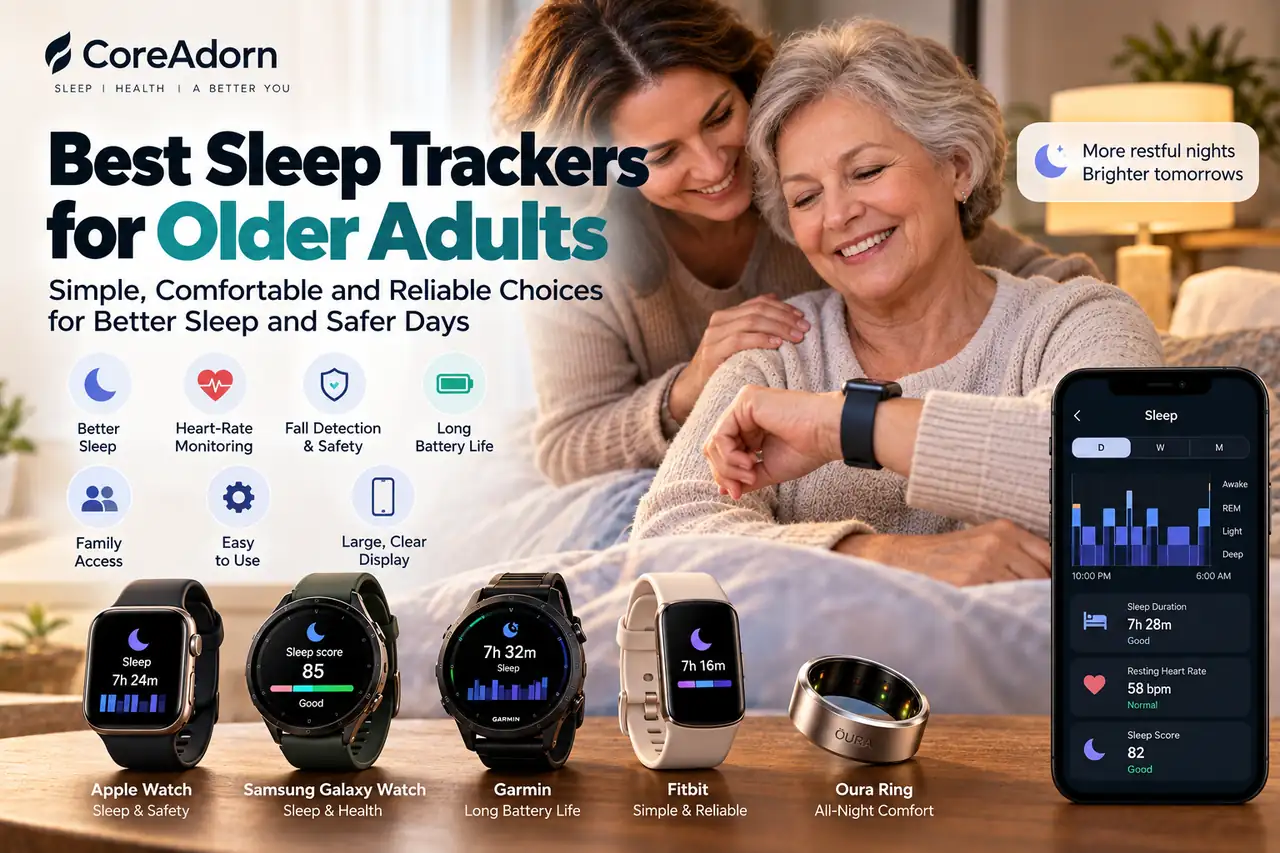
Buying a sleep tracker for yourself is one thing. Buying one for a parent is different.
Your parent may care less about detailed sleep-stage graphs and more about whether the watch is comfortable at night, whether the numbers are easy to read, whether the battery lasts long enough, and what happens if they fall or need help.
That changes what makes a wearable worth buying.
The best sleep tracker for an older adult is not necessarily the device with the most health metrics. It is the one the person will comfortably wear, remember to charge, understand how to use, and keep using months after the initial setup.
This guide compares current options such as Apple Watch, Samsung Galaxy Watch, Google Pixel Watch, Garmin, Fitbit and Oura. It focuses on sleep tracking, heart-rate monitoring, comfort, battery life, charging, readability, emergency features, fall detection, data sharing and family involvement.
Quick Answer: Which Sleep Tracker Is Best for an Older Adult?
| Best fit | Device to consider | Why it makes sense |
|---|---|---|
| Parent with an iPhone | Apple Watch SE 3 or Series 11 | Readable display, sleep tracking, heart-rate monitoring, Fall Detection, Emergency SOS and Apple Health sharing |
| Parent with a Samsung Galaxy phone | Galaxy Watch8 | Large display, sleep and heart-rate tracking, Fall Detection, SOS and Samsung Health integration |
| Parent who wants fewer charges | Garmin Venu 4 | Up to 10 or 12 days of smartwatch battery life depending on size, plus sleep and health tracking |
| Parent who wants a smaller device | Oura Ring 4 | Comfortable overnight design, detailed sleep tracking and typically 5–8 days of battery life |
| Parent who wants a simpler fitness tracker | Fitbit Charge 6 | Compact design with sleep, heart-rate, SpO2 and other wellness tracking, with up to 7 days of battery life |
| Parent using Android outside the Samsung ecosystem | Google Pixel Watch 4 | Sleep tracking, heart-rate monitoring, Fall Detection and Emergency SOS with a familiar Google ecosystem |
These choices are not interchangeable. A ring may be more comfortable overnight, but it does not provide the same on-wrist screen or emergency features as a smartwatch. Conversely, a smartwatch can provide substantially more safety functionality but usually requires more frequent charging.
For an older adult, those trade-offs often matter more than small differences in sleep metrics.
When you buy through links on our site, we may earn an affiliate commission at no extra cost to you. This helps support our work.
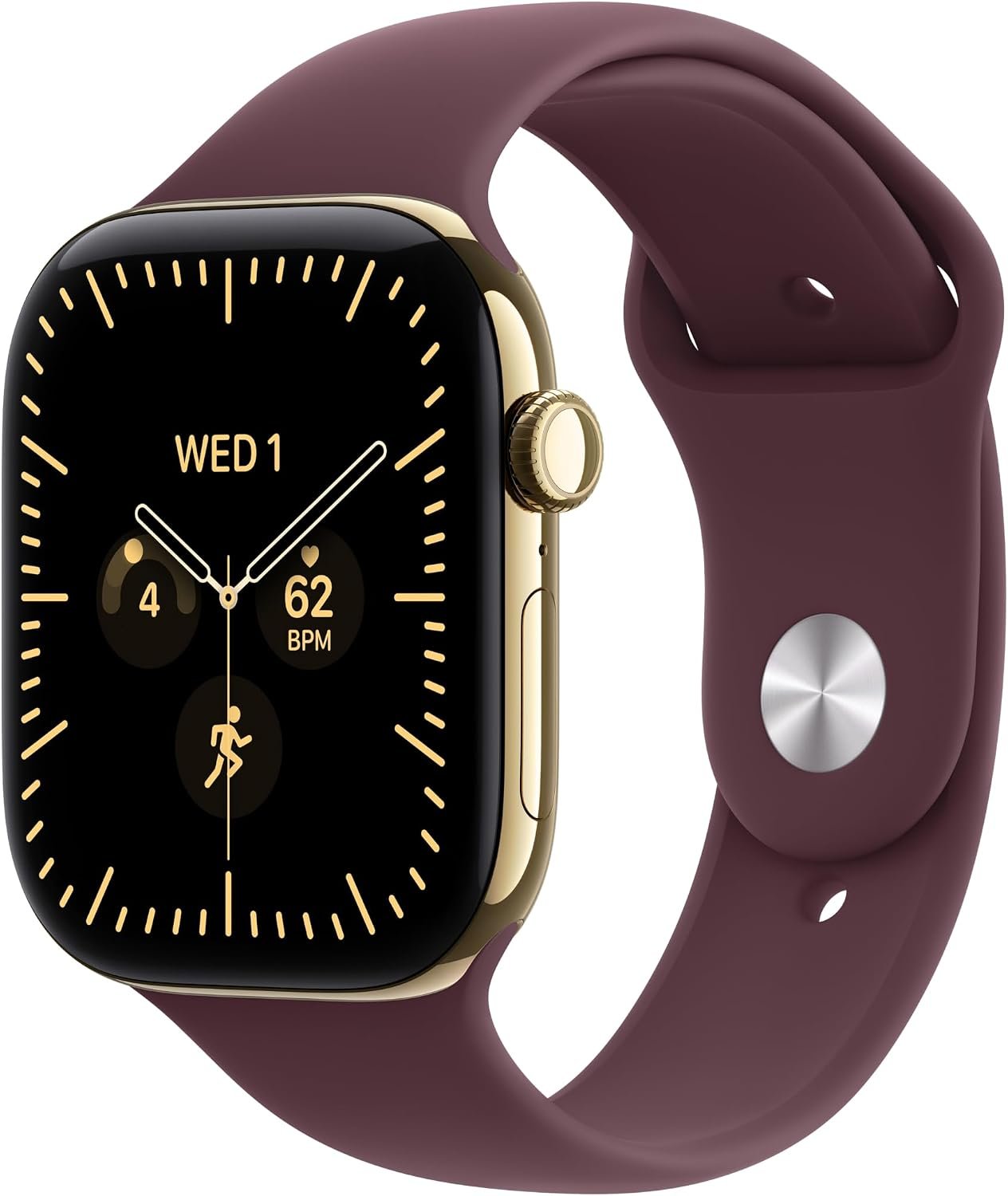
For U.S. buyers seeking a versatile everyday smartwatch, Apple Watch Series 12 GPS + Cellular offers a large 46mm display with health, fitness, sleep and safety features. Track heart rate, activity and workouts while sta...
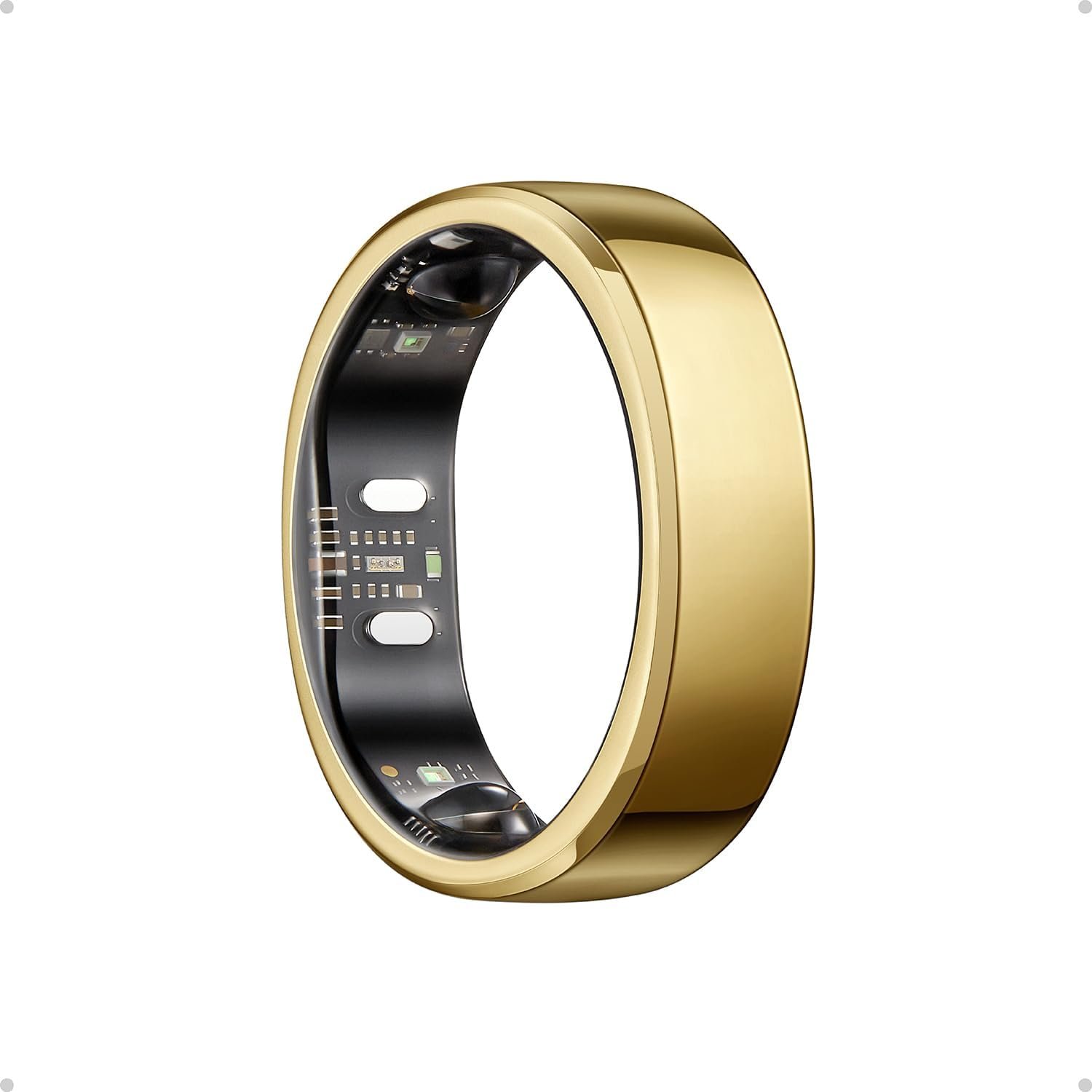
RingConn Gen 3 Smart Ring delivers discreet, screen-free health tracking without the bulk of a smartwatch. It monitors sleep, heart rate, HRV, blood oxygen, activity and vascular trends, helping you spot changes earlier,...
![Samsung Galaxy Watch Ultra (2024) 47mm LTE AI Smartwatch w/Energy Score, Wellness Tips, Heart Rate Tracking, Sleep Monitor, Fitness Tracker, GPS,Titanium Silver [US Version, 1Yr Manufacturer Warranty]](https://www.coreadorn.com/storage/product/samsung-galaxy-watch-ultra-2024-47mm-lte-ai-smartwatch-HC5mXMSP.jpg)
Samsung Galaxy Watch Ultra (2024) 47mm LTE combines a rugged titanium design with advanced health, fitness and smart features. With Energy Score, wellness insights, heart rate and sleep tracking, GPS and LTE connectivity...
What Makes a Good Sleep Tracker for Older Adults?
The first mistake families make is shopping by specifications.
A device can have an impressive list of sensors and still be a poor choice for a parent if the screen is difficult to read, the charging routine is inconvenient or the app produces more information than the person wants to deal with.
Usability deserves to come before the number of sensors.
AARP's recent guidance on wearable health technology specifically highlights comfort, ease of use, battery life, privacy and safety features when choosing wearables for older adults. Its research with adults 50 and older has also found that usability problems can become a significant barrier to continued use.
For a parent, I would evaluate a sleep tracker in this order:
- Can they read and operate it comfortably?
- Will they actually wear it overnight?
- Is charging simple enough to become a routine?
- Does it provide the safety features the family needs?
- Does it track sleep and heart rate consistently?
- Can useful information be shared with family or a healthcare professional?
- Does it work with the phone they already use?
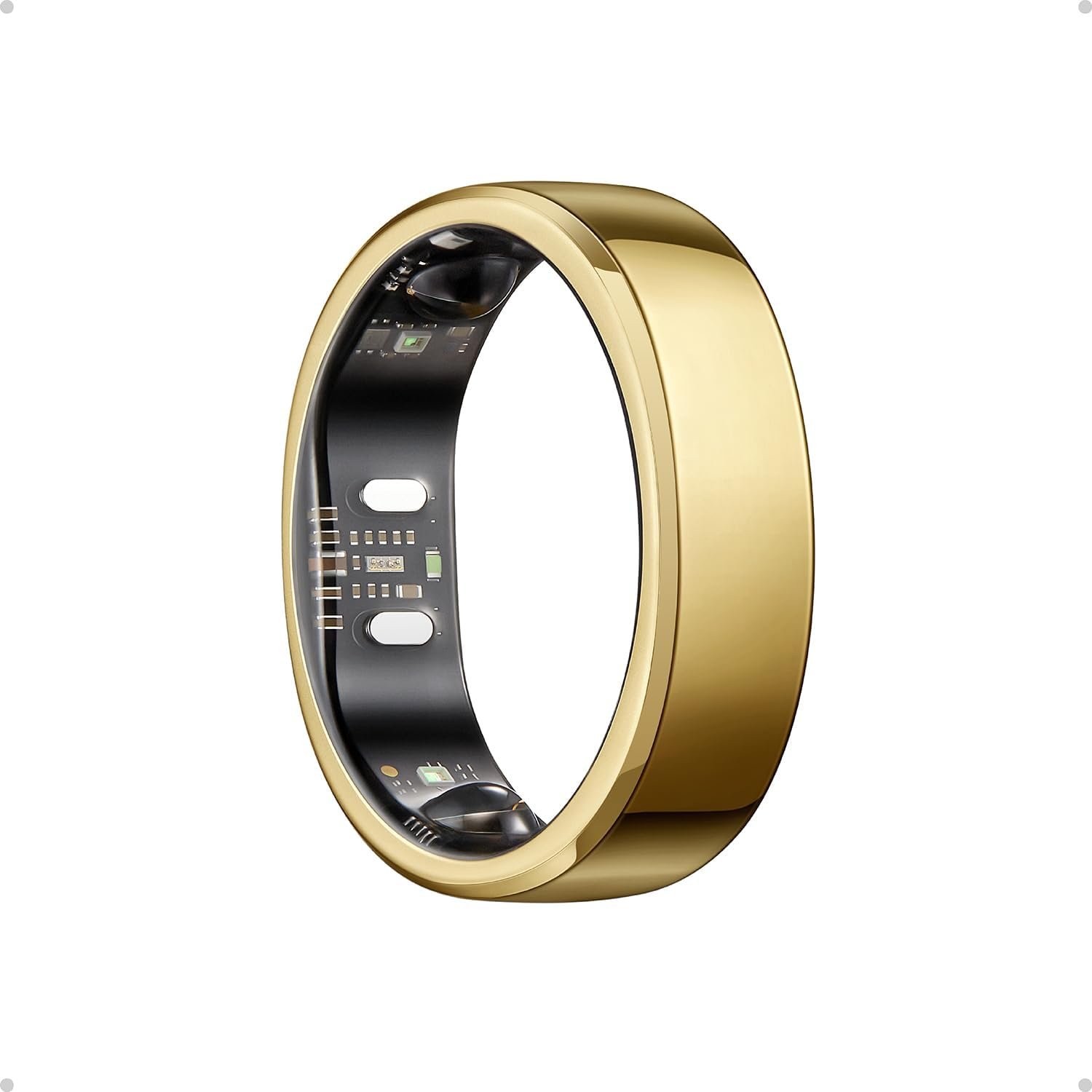
Oura Ring 5 combines a sleek gold design with discreet, continuous health tracking. Monitor sleep, heart rate, HRV, activity, recovery and temperature trends to better understand your body and make smarter decisions abou...
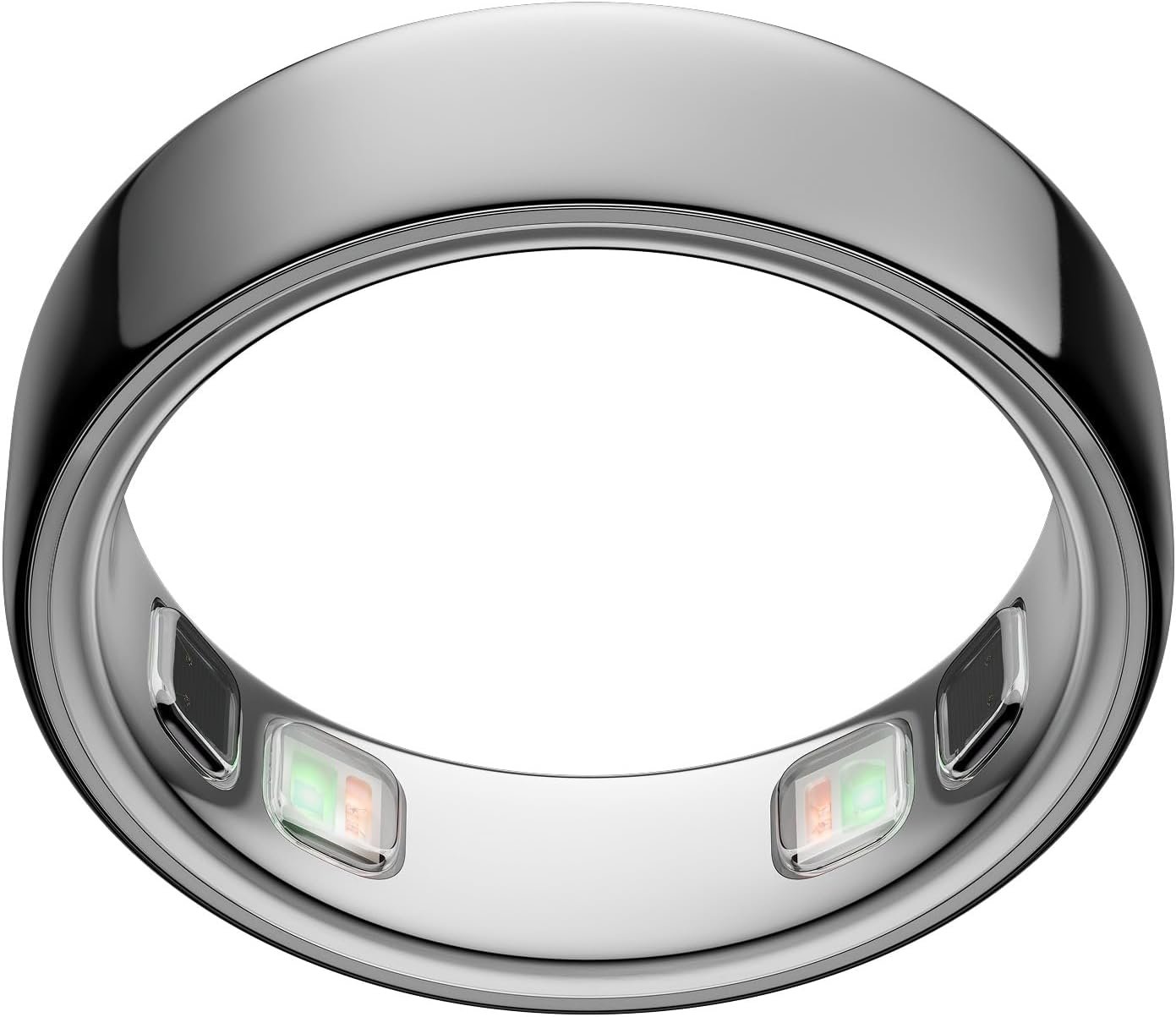
Oura Ring 5 is a discreet smart wearable for people who want detailed health insights without wearing a smartwatch. It tracks sleep, heart rate, HRV, activity, recovery and temperature trends, helping you understand your...
RingConn Gen 3 Smart Ring delivers discreet, screen-free health tracking without the bulk of a smartwatch. It monitors sleep, heart rate, HRV, blood oxygen, activity and vascular trends, helping you spot changes earlier,...
The Most Important Features for an Older Adult
1. A Large, Easy-to-Read Display
For many parents, the watch face is more important than the sleep algorithm.
A larger screen makes it easier to see the time, notifications, heart rate, emergency prompts and other information without reaching for a phone.
Look for:
- Large display options
- Good brightness
- Large fonts
- High contrast
- Simple watch faces
- Adjustable text size
- Magnification or accessibility features
Samsung, for example, provides accessibility options on its smartwatches including magnification, larger and bolder fonts, high-contrast options, color correction and screen-reader support on supported models.
Apple Watch also provides accessibility controls such as Zoom, Text Size, Bold Text, Increase Contrast and other options designed to make the watch easier to operate.
2. Simple Setup
If you are buying the device for a parent, assume that you will probably handle the initial setup.
That is not necessarily a problem. The important question is what happens afterward.
A good setup should include:
- Pairing the watch with the parent's phone
- Creating or connecting the appropriate account
- Setting up emergency contacts
- Enabling Fall Detection if appropriate
- Configuring health notifications
- Increasing text size if necessary
- Choosing a simple watch face
- Setting a charging routine
- Teaching the parent only the features they actually need
Don't turn the first setup session into a technology lesson.
For most parents, three or four functions are enough: checking the time, seeing important notifications, checking basic health information and getting help when necessary.
3. Overnight Comfort
Sleep tracking only works when the device is worn.
A technically excellent tracker that ends up on the bedside table is less useful than a simpler device that stays on the wrist every night.
Smartwatches can feel bulky to some people. Rings can be more discreet, but some older adults may have difficulty with ring sizing, finger swelling or removing and replacing the ring.
Try to match the device to the person's habits rather than assuming a smaller device is automatically better.
4. Battery Life and Charging
Battery life becomes particularly important when buying for someone else.
If the device needs to be charged every day, you need to ask where and when that will happen.
Apple Watch SE 3, for example, is rated for up to 18 hours of normal use, with up to 32 hours in Low Power Mode. Apple says eight minutes of charging can provide up to eight hours of sleep tracking.
That short charging window can make daily charging easier, but it still requires a routine.
Garmin Venu 4 takes the opposite approach. Garmin lists up to 10 days of battery life for the 41 mm version and up to 12 days for the 45 mm version in smartwatch mode.
Oura Ring 4 typically lasts five to eight days depending on size, settings and usage.
For a parent who regularly forgets to charge electronics, this difference can be more important than having another health metric.
Battery and Charging: What Matters for Parents?
| Charging situation | What to look for | Why it matters |
|---|---|---|
| Parent remembers daily routines | Fast-charging smartwatch | Short charging sessions can work if charging becomes part of the morning or evening routine |
| Parent frequently forgets charging | Multi-day battery | Fewer charging sessions mean fewer missed nights of sleep data |
| Family manages charging | Any suitable device | A caregiver can establish a regular charging schedule |
![SAMSUNG Galaxy Ring, AI Smart Ring, Size First w/Sizing Kit, No App Subscription, Fitness Monitor, Sleep Tracker, Up to 7-Day Battery, Size 10, Titanium Black [US Version, 1Yr Manufacturer Warranty]](https://www.coreadorn.com/storage/product/samsung-galaxy-ring-ai-smart-ring-Se7cRDAz.webp)
Samsung Galaxy Ring combines discreet titanium design with sleep, fitness and health tracking in a lightweight, screen-free form. With no app subscription, up to 7 days of battery life, sleep monitoring and activity trac...
Samsung Galaxy Watch Ultra (2024) 47mm LTE combines a rugged titanium design with advanced health, fitness and smart features. With Energy Score, wellness insights, heart rate and sleep tracking, GPS and LTE connectivity...
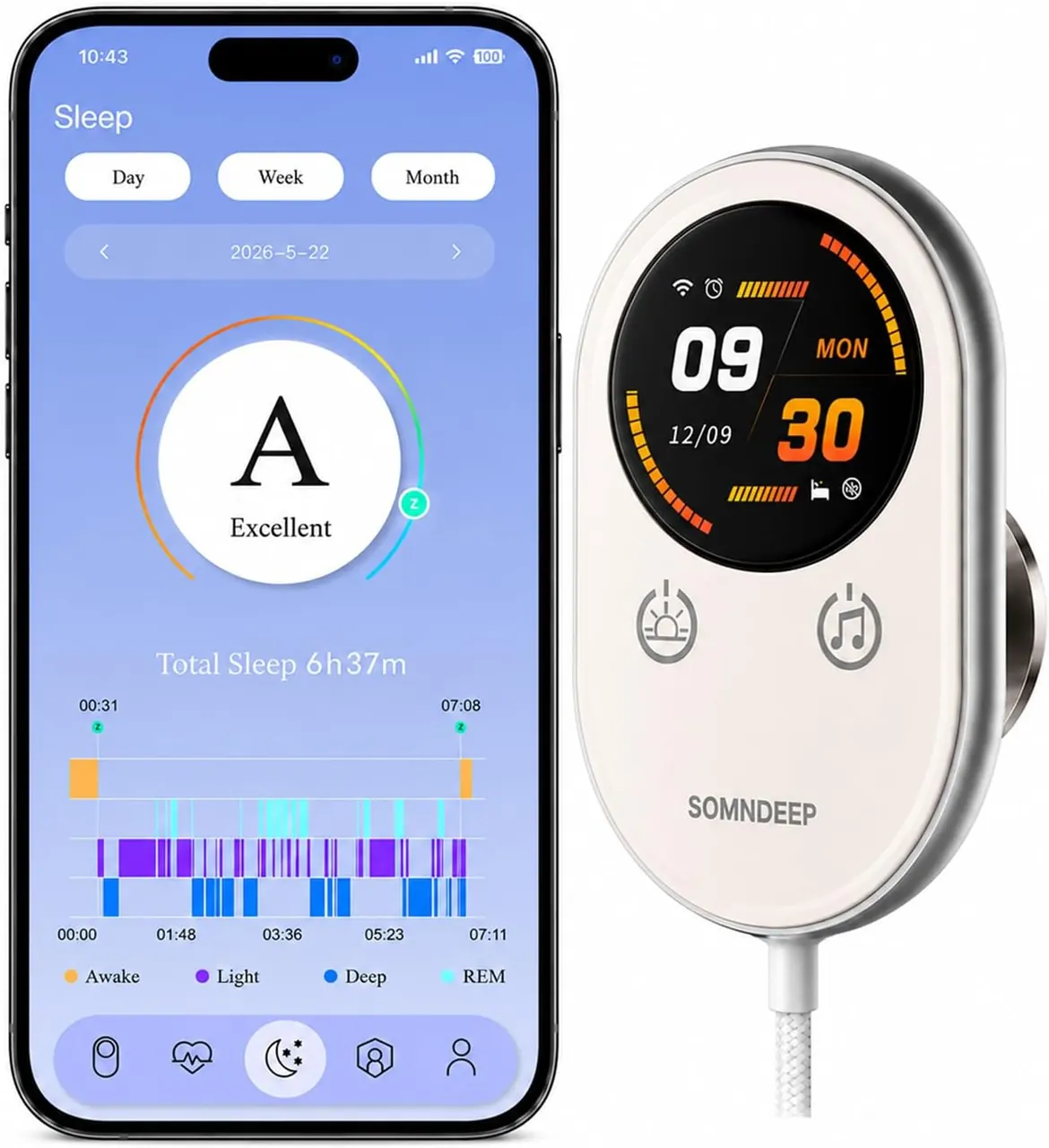
A contactless smart sleep tracker monitors your sleep without requiring you to wear a watch, ring or sensor. Designed for effortless overnight tracking, it can provide insights into sleep duration, movement and other sle...
Heart-Rate Monitoring
Heart-rate monitoring is useful because it gives the wearable information beyond sleep duration.
Modern wearables can track resting heart rate and provide high or low heart-rate notifications on supported devices. Some also offer ECG or irregular-rhythm features.
Apple Watch SE 3 includes heart-rate tracking, high and low heart-rate notifications and irregular rhythm notifications.
Google Pixel Watch also tracks heart rate and provides health information through Google Health.
Fitbit Charge 6 tracks heart rate, resting heart rate, HRV, breathing rate and other wellness metrics, while its sleep features include sleep stages and Sleep Score.
These measurements are useful for observing trends. They should not be treated as a replacement for medical evaluation.
Fall Detection and Emergency Features
This is where a smartwatch can become much more valuable for an older adult than a conventional sleep tracker.
If your parent lives alone, safety may be one of the main reasons to choose a smartwatch instead of a ring.
Apple Watch supports Fall Detection and Emergency SOS. When supported fall detection identifies a hard fall and the wearer remains immobile, the watch can automatically contact emergency services and share location information. Apple also states that Fall Detection cannot detect every fall.
Samsung Galaxy Watch8 includes SOS and Fall Detection.
Google Pixel Watch provides Fall Detection and Emergency SOS, although Google cautions that fall detection cannot detect all falls and emergency features depend on connectivity and other conditions.
Garmin offers safety and incident-detection features on supported watches, but its system generally relies on the paired phone, data connectivity and emergency contacts. Garmin explicitly says these features are supplemental and should not be treated as a primary emergency-response system.
This distinction matters.
A smartwatch with fall detection is not the same thing as a professionally monitored medical alert system. The National Institute on Aging notes that emergency response systems can be useful for older adults living alone, but they must be properly set up and worn, and they do not replace regular family or caregiver contact.
For U.S. buyers seeking a versatile everyday smartwatch, Apple Watch Series 12 GPS + Cellular offers a large 46mm display with health, fitness, sleep and safety features. Track heart rate, activity and workouts while sta...
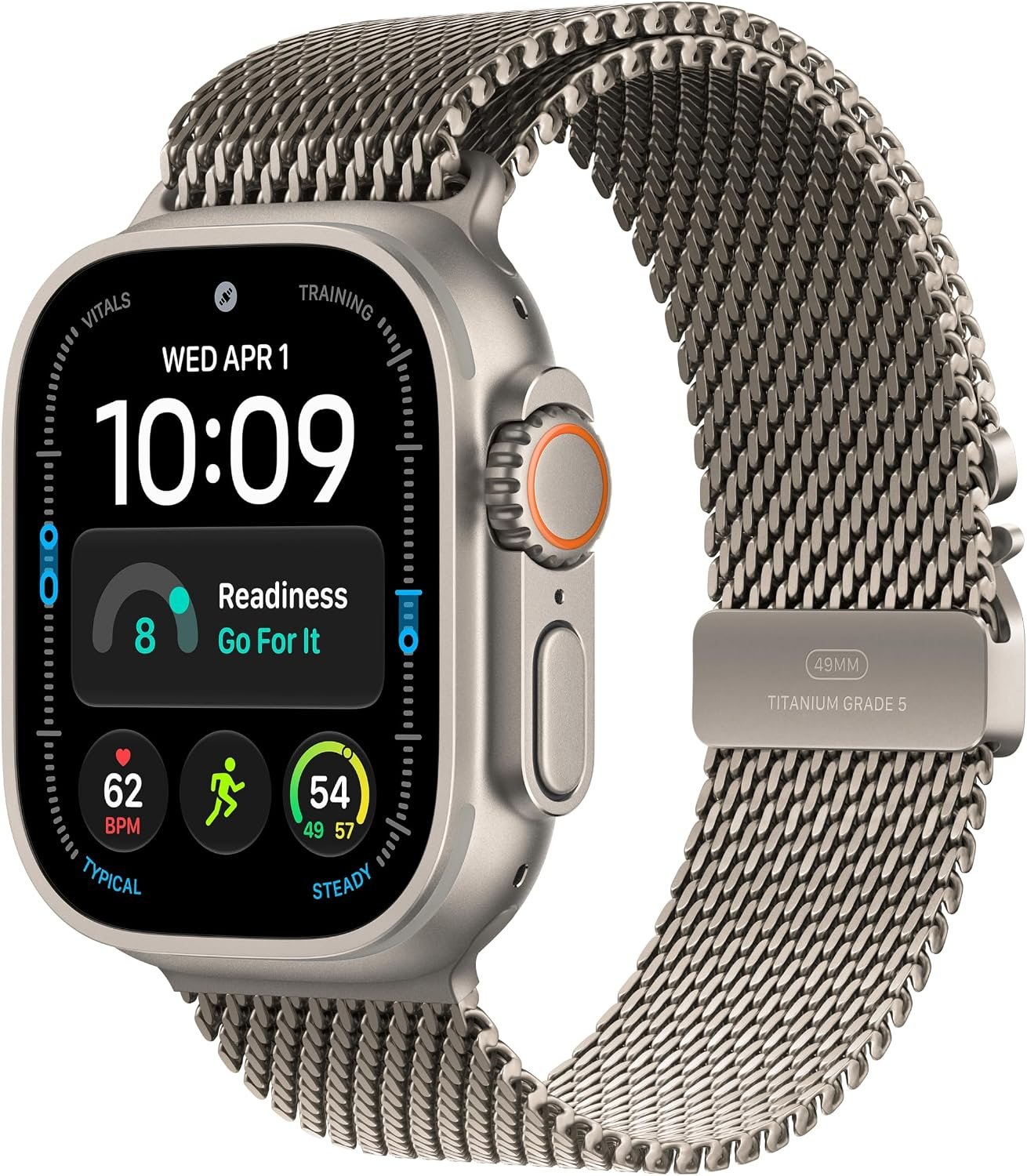
For U.S. buyers looking for a premium smartwatch, Apple Watch Ultra 4 GPS + Cellular combines a rugged 49mm design with advanced health, fitness and safety features. Track sleep, heart rate, workouts and activity while s...
Smartwatch vs Sleep Ring for an Older Adult
| Consideration | Smartwatch | Smart ring |
|---|---|---|
| Sleep comfort | Good, but depends on size and band | Usually very discreet overnight |
| Screen readability | Strong advantage | No screen |
| Sleep tracking | Strong | Strong |
| Heart-rate monitoring | Yes | Yes |
| Fall detection | Available on some models | Generally not the main purpose |
| Emergency calling | Available on some cellular models | No |
| Family interaction | More options depending on ecosystem | Usually limited to data sharing |
| Charging | Ranges from daily to many days | Typically several days |
If the main objective is sleep tracking and comfort, a ring deserves serious consideration.
If the objective is sleep tracking plus safety, communication and assistance, a smartwatch is usually the more appropriate form factor.
Best Sleep Trackers for Older Adults
Apple Watch SE 3: A Practical Choice for an iPhone-Using Parent
Apple Watch SE 3 is worth considering when your parent already uses an iPhone and you want sleep tracking combined with everyday safety features.
It includes sleep stages, Sleep Score, heart-rate monitoring, high and low heart-rate notifications, Fall Detection, Emergency SOS and sleep apnea notifications.
The display is another reason it works well for older users. Apple provides accessibility features for vision, mobility, hearing and cognitive needs, including larger text, bold text, Zoom and increased contrast.
The main drawback is battery life. An 18-hour normal-use rating means charging becomes part of the daily routine.
That is not necessarily a deal-breaker. Apple says eight minutes of charging can provide up to eight hours of sleep tracking, which can make a short daily charging session practical.
Consider it when: your parent uses an iPhone and you want sleep tracking, a readable screen and meaningful safety features in one device.
Apple Watch Series 11: More Health Features for Families Wanting More Detail
Apple Watch Series 11 adds a broader set of health and wellness capabilities while retaining sleep tracking, heart-rate monitoring, Fall Detection and Emergency SOS.
Apple lists sleep stages, Sleep Score, heart-rate notifications, ECG, blood oxygen availability where supported, sleep apnea notifications and other health features.
Battery life is rated at up to 24 hours of normal use and up to 38 hours in Low Power Mode. Apple also says five minutes of charging can provide up to eight hours of sleep tracking.
For many parents, however, the additional features may not be necessary. If the goal is simple sleep tracking and safety, buying the more expensive model solely for extra health functions may not provide much practical benefit.
Samsung Galaxy Watch8: A Strong Android Option for Samsung Families
Galaxy Watch8 is particularly interesting when your parent already uses a Samsung Galaxy phone.
Samsung lists sleep tracking, heart-rate features, sleep apnea functionality, SOS and Fall Detection among the watch's health and safety features. The current Galaxy Watch8 requires Android 12 or later and is not compatible with iPhone.
Samsung also provides accessibility controls that can enlarge text, improve contrast and magnify the interface.
The main consideration is ecosystem dependence. Some advanced Samsung health features require a compatible Galaxy phone and Samsung Health Monitor.
For a parent already using Samsung devices, that ecosystem can make setup and daily use simpler.
Google Pixel Watch 4: A Good Fit for the Broader Android Ecosystem
Pixel Watch 4 makes sense for an Android-using parent who is not necessarily committed to Samsung.
Google Health provides sleep logs, sleep stages and Sleep Score on Pixel Watch 4, along with heart-rate and other health information.
The watch also includes Fall Detection and Emergency SOS features.
Battery life is rated at up to 30 hours with the always-on display on for the 41 mm model and up to 40 hours for the 45 mm model. Battery Saver mode extends those figures substantially.
The fast-charging dock is useful for a parent who struggles with complicated charging routines.
Consider it when: your parent uses Android and you want a modern smartwatch with sleep, health and safety features without requiring a Samsung phone.
Garmin Venu 4: The Choice for Less Frequent Charging
Garmin Venu 4 stands out for battery life.
The 41 mm version is rated for up to 10 days in smartwatch mode, while the 45 mm version is rated for up to 12 days. Garmin also includes sleep score, sleep stages, sleep coaching, naps, HRV status, heart rate and Pulse Ox-related features.
That long battery life can make a major difference for an older adult who routinely forgets to charge devices.
Garmin also supports safety and tracking features on compatible models. However, its incident detection is not equivalent to a dedicated medical alert service and can depend on a paired phone and network coverage.
Consider it when: battery life is one of the biggest concerns and the parent wants a watch that can track sleep and health without daily charging.
Fitbit Charge 6: A Simpler, Smaller Alternative
Fitbit Charge 6 is a useful option when a parent does not want a full smartwatch.
It tracks sleep, sleep stages, Sleep Score, heart rate, resting heart rate, HRV, breathing rate and blood oxygen saturation.
Battery life is rated at up to seven days, although settings such as always-on display and GPS can reduce it.
It does not offer the same emergency and fall-detection package as Apple Watch, Galaxy Watch or Pixel Watch.
That can actually be an advantage for someone who finds a smartwatch distracting.
Consider it when: the main objective is straightforward activity, heart-rate and sleep tracking rather than calls, apps and extensive smartwatch functions.
Oura Ring 4: Excellent for Sleep Comfort
Oura Ring 4 takes a different approach.
There is no screen to read and no complicated watch interface to learn. The ring is designed to remain on the finger and collect health information in the background.
Oura Ring 4 tracks sleep, heart rate, HRV, respiration, blood oxygen and temperature-related metrics. Oura lists typical battery life of five to eight days.
Its sleep interface provides information such as sleep stages, movement, sleep timing and nighttime breathing patterns.
Oura also supports shareable reports for health professionals and high-level sharing through Oura Circles. However, Oura Circles requires the people participating in the circle to be Oura members, and the shared information is primarily high-level Sleep, Readiness and Activity scores rather than a live caregiver safety dashboard.
The biggest limitation for a parent is obvious: there is no screen, no emergency calling and no fall-detection function comparable to the major smartwatch platforms.
Consider it when: sleep comfort and passive health tracking matter more than on-device interaction and emergency features.
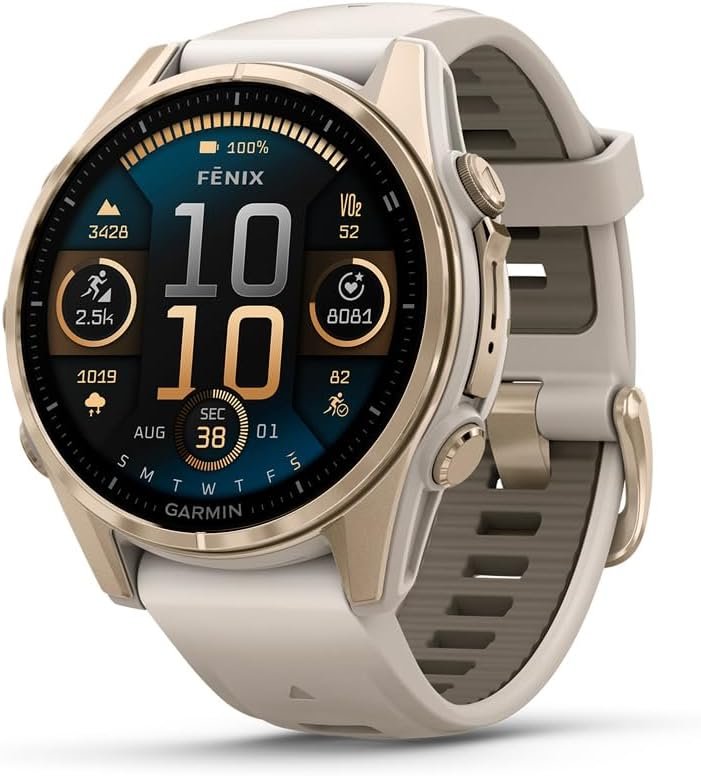
Garmin fēnix 8 Sapphire 43mm combines a compact, rugged design with advanced fitness, health and outdoor tracking. It offers detailed workout metrics, GPS navigation, sleep and recovery insights, making it a strong choic...
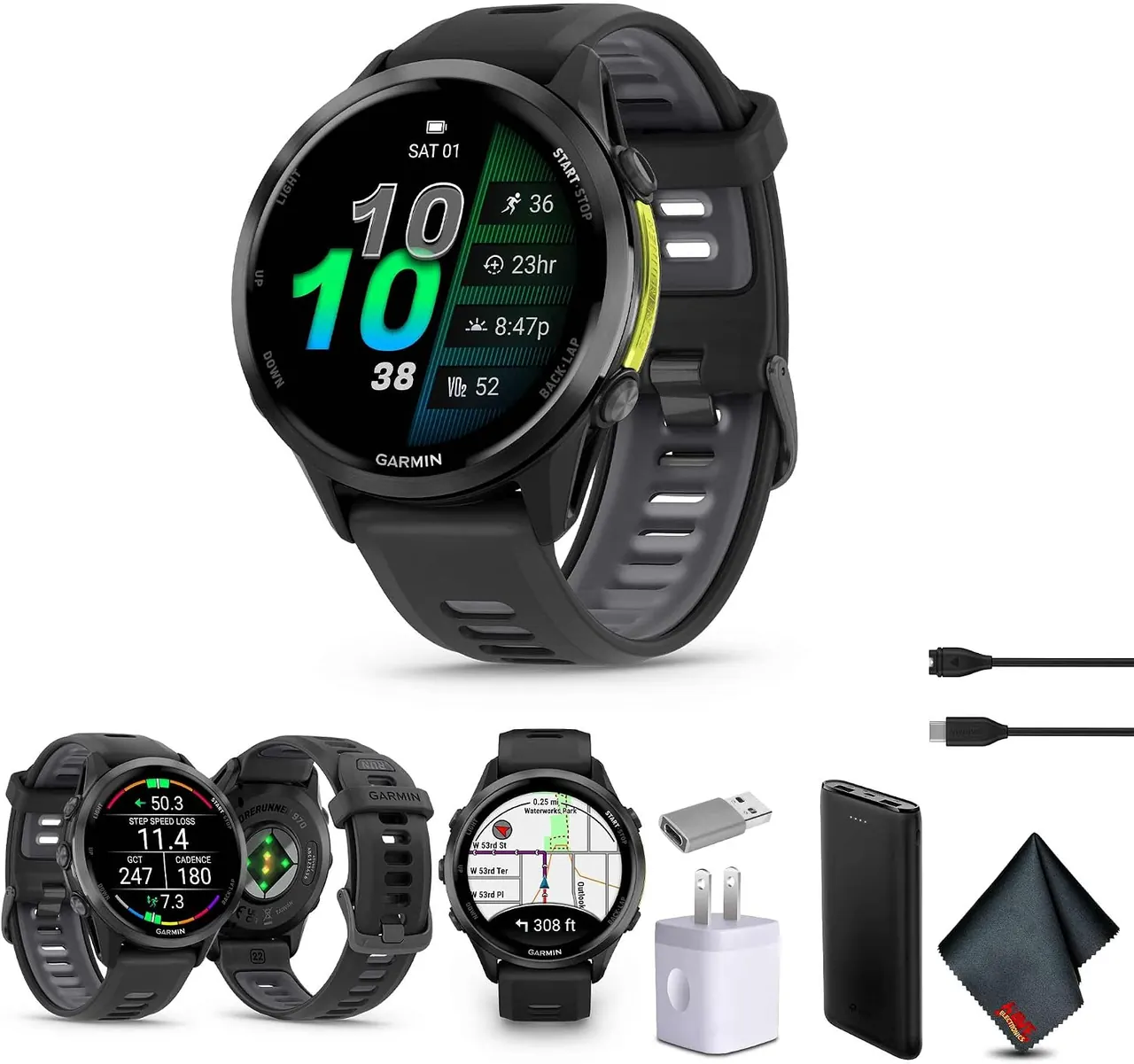
Garmin Forerunner 970 is a premium running smartwatch designed for serious runners and endurance athletes. It combines advanced training metrics, GPS, recovery and health tracking with performance insights to help you mo...
Which Device Fits Which Parent?
| Parent's situation | Device type to consider | Main reason |
|---|---|---|
| Lives alone and may need emergency assistance | Smartwatch | Fall detection, SOS and communication can matter more than advanced sleep metrics |
| Uses iPhone | Apple Watch | Strong Apple Health integration and safety features |
| Uses Samsung Galaxy phone | Galaxy Watch | Samsung Health and Galaxy ecosystem integration |
| Uses Android but not Samsung | Pixel Watch | Google Health, sleep tracking and safety features |
| Forgets to charge devices | Garmin or Oura | Multi-day battery reduces charging frequency |
| Dislikes wearing watches at night | Oura Ring | Small, screen-free overnight design |
| Does not want a complicated smartwatch | Fitbit Charge 6 | More focused on health and fitness tracking |
Oura Ring 5 combines a sleek gold design with discreet, continuous health tracking. Monitor sleep, heart rate, HRV, activity, recovery and temperature trends to better understand your body and make smarter decisions abou...
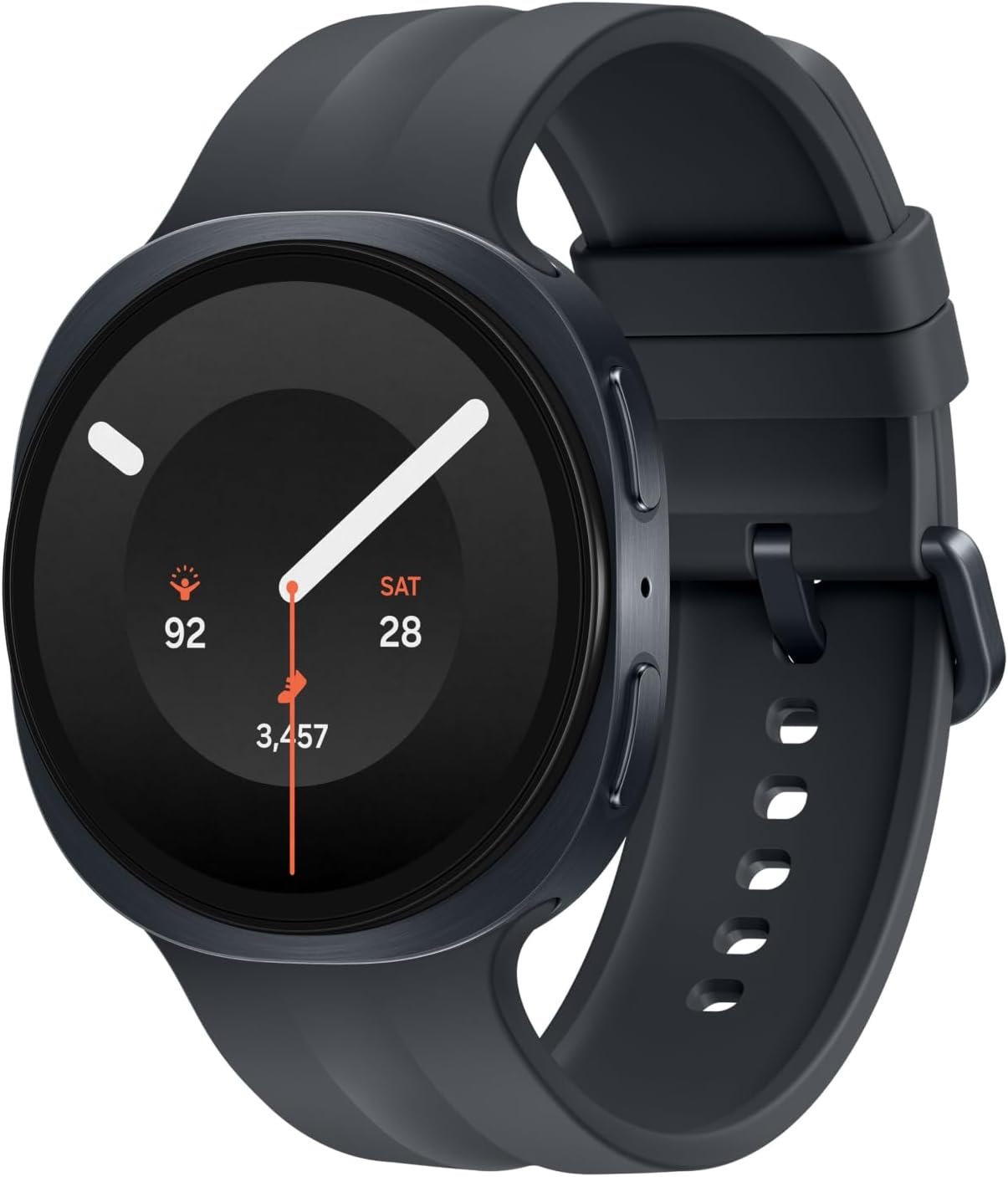
Samsung Galaxy Watch9 in Graphite with a 44mm case combines a sleek design with advanced health, fitness, sleep, and everyday smartwatch features. It tracks workouts, heart rate, sleep and activity while keeping calls, m...
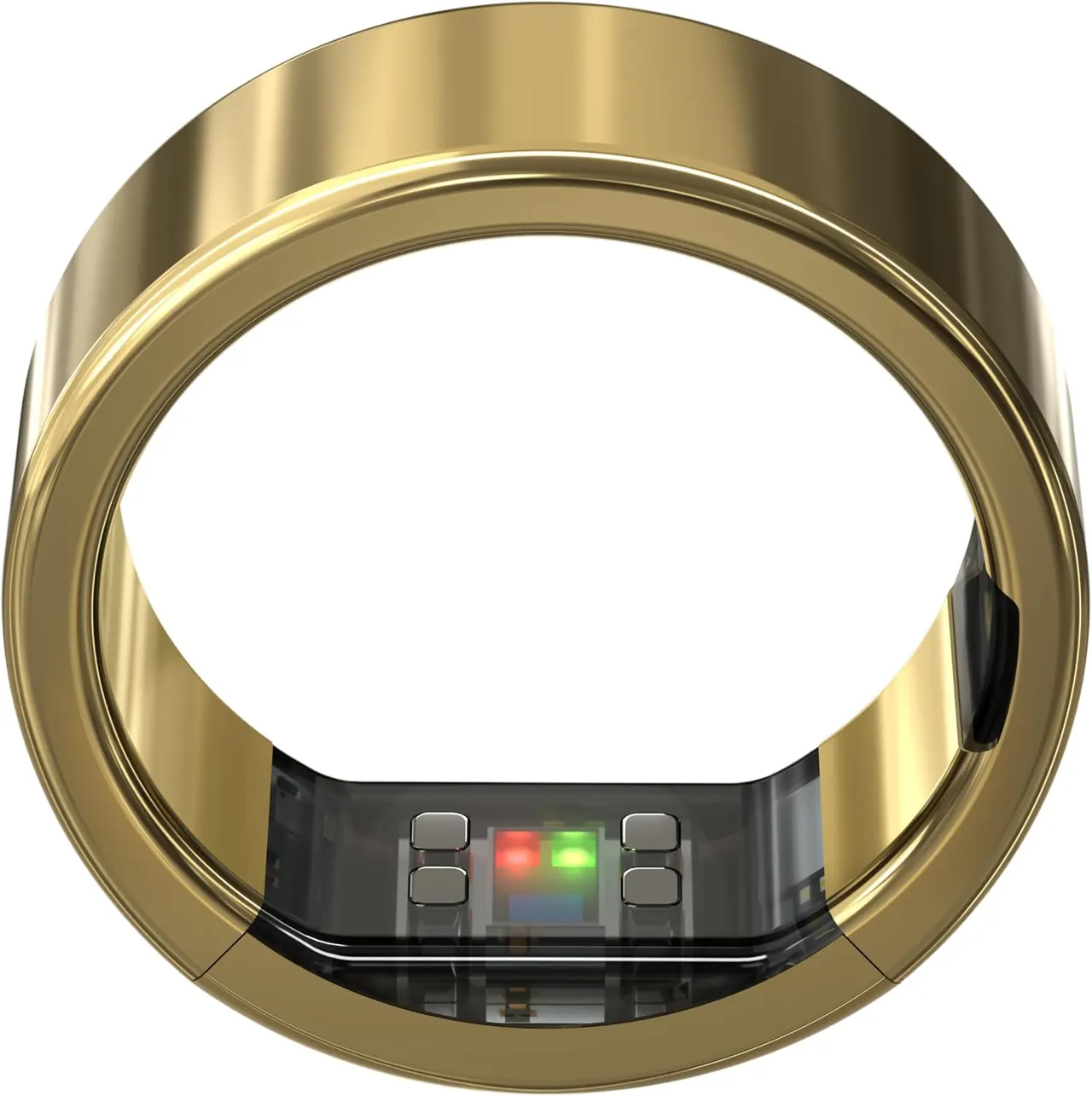
Ultrahuman Ring PRO in Bionic Gold combines a premium titanium design with discreet health and recovery tracking. It monitors sleep, heart rate, HRV and recovery without requiring an app subscription, while offering up t...
What Should You Look For When Buying a Sleep Tracker for a Parent?
This is the section I would use as your main buyer checklist.
1. Start With the Phone They Already Have
Do not buy the wearable first.
Find out whether your parent uses an iPhone, Samsung Galaxy or another Android phone.
Apple Watch is designed around the Apple ecosystem. Galaxy Watch requires Android and does not support iPhone. Pixel Watch requires a compatible Android phone. Oura works with both iOS and Android.
2. Look at the Screen in Person
If possible, take your parent to a store and let them try the watch.
Ask them to:
- Read the time
- Read a notification
- Find the health app
- Read a heart-rate value
- Dismiss an alert
- Open the emergency feature
If they struggle with the interface in a store, do not assume they will become comfortable with it later.
3. Consider Arthritis and Dexterity
A watch can have an excellent screen and still be difficult to wear.
Small buckles, stiff straps and tiny buttons can become frustrating for someone with reduced hand dexterity.
Look for bands that are easy to open and close. Magnetic, Velcro-style or stretch options may be easier for some users than traditional buckles.
AARP's current guidance on medical-alert watches also highlights the importance of matching band design and display size to vision and dexterity needs.
4. Make Charging Foolproof
Don't simply tell your parent to charge the device every night.
Create a physical routine.
For example:
Morning routine: remove the watch after waking, place it on the charger while having breakfast, put it back on before leaving the bedroom.
Or:
Evening routine: charge it while watching television and put it back on before going to bed.
If the charging routine sounds unrealistic, choose a device with longer battery life.
5. Decide Whether Safety Features Are Actually Needed
Ask a simple question:
If my parent falls in the house at 2 a.m., what happens next?
If the answer is unclear, sleep tracking may not be the most important feature you are buying.
Look at Fall Detection, Emergency SOS, cellular connectivity, emergency contacts and location sharing.
If the parent lives alone or has a history of falls, consider whether a dedicated medical alert service would be more appropriate than relying on a general-purpose smartwatch.
6. Think About Family Access Before You Buy
Family access sounds simple, but different ecosystems handle it differently.
Apple Health allows a person to share selected health data and health notifications with family members or caregivers. The person controls which topics are shared and can stop sharing later.
Garmin allows account sharing and provides options for sharing activity information and real-time location through features such as LiveTrack.
Oura supports high-level sharing through Oura Circles and shareable reports, but this is not the same as a family monitoring dashboard.
Samsung provides options for exporting health information and sharing health records, including PDF reports.
Before buying, decide exactly what you want to see.
Do you want to know that your parent slept seven hours?
Do you want to see their heart-rate trends?
Do you need to receive an emergency alert?
Those are three very different requirements.
Family Sharing: What Can You Actually See?
| Platform | Family sharing capability | Important limitation |
|---|---|---|
| Apple Health | Selected health data and notifications can be shared | The parent controls what is shared |
| Oura | High-level Sleep, Readiness and Activity sharing | Oura Circles requires participating members to use Oura |
| Garmin | Account sharing and selected location/activity sharing | Not designed as a dedicated caregiver monitoring system |
| Samsung Health | Health records can be exported and shared | Not the same as continuous caregiver monitoring |
| Google Health | Friends and family sharing features are available for supported data | Sharing options vary by feature and account setup |
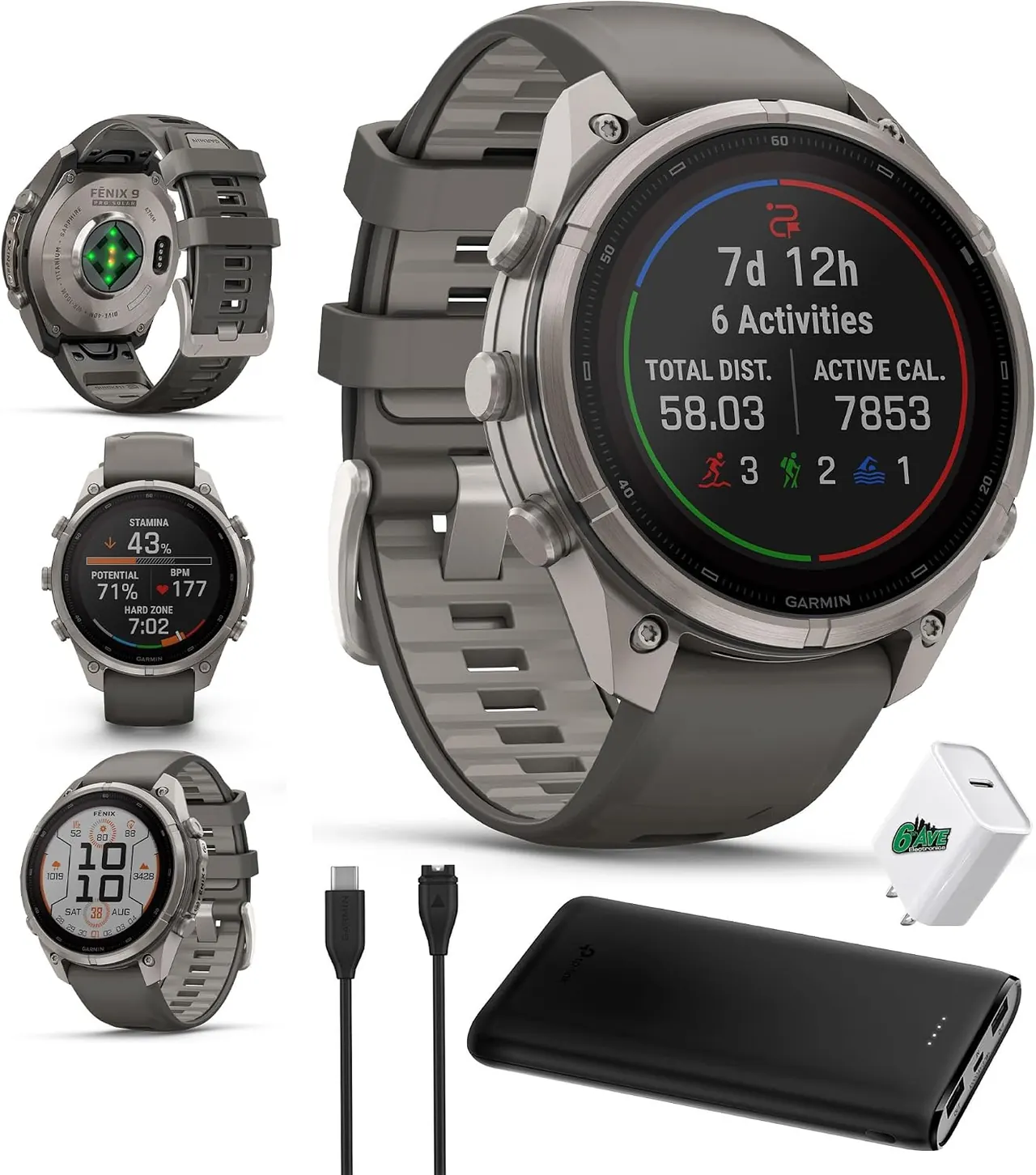
Garmin Fenix 9 Pro Solar combines a rugged titanium design with advanced GPS, fitness, health and outdoor tracking. Its solar charging capability helps extend battery life, while detailed training, recovery and navigatio...
Garmin fēnix 8 Sapphire 43mm combines a compact, rugged design with advanced fitness, health and outdoor tracking. It offers detailed workout metrics, GPS navigation, sleep and recovery insights, making it a strong choic...
Garmin Forerunner 970 is a premium running smartwatch designed for serious runners and endurance athletes. It combines advanced training metrics, GPS, recovery and health tracking with performance insights to help you mo...
Sleep Tracking: What Should an Older Adult Actually Look At?
Don't make your parent obsess over a Sleep Score.
The most useful information is usually the pattern over time.
Look at:
- Total sleep duration
- Bedtime and wake time
- Nighttime awakenings
- Sleep consistency
- Resting heart rate
- Overnight heart-rate trends
- Breathing-related trends where available
- Changes compared with the person's normal pattern
Consumer wearables can estimate sleep duration and stages, but the measurements are not equivalent to a clinical sleep study. AARP's current guidance also recommends treating wearable sleep metrics primarily as a way to observe patterns rather than assuming every nightly score is precise.
For an older adult, that distinction is particularly important. A poor score on one night does not automatically mean something is wrong.
What About Sleep Apnea?
Some modern smartwatches can provide sleep-apnea-related notifications or risk information, but families should understand the distinction between a wearable notification and a medical diagnosis.
Apple Watch models including Series 9 and later, Ultra 2 and later, and SE 3 support Apple's sleep-apnea notification feature for eligible users. Apple describes it as a feature intended to detect signs of moderate to severe sleep apnea, not as a diagnosis.
Samsung also offers a sleep-apnea feature on compatible Galaxy Watch devices.
If your parent snores loudly, gasps during sleep, has witnessed pauses in breathing, wakes frequently, experiences excessive daytime sleepiness or has other symptoms that raise concern about sleep apnea, a wearable should not be used as a substitute for medical evaluation.
For a deeper comparison, see Best Wearables for Sleep Apnea Tracking .
Garmin fēnix 8 Sapphire 43mm combines a compact, rugged design with advanced fitness, health and outdoor tracking. It offers detailed workout metrics, GPS navigation, sleep and recovery insights, making it a strong choic...
Garmin Forerunner 970 is a premium running smartwatch designed for serious runners and endurance athletes. It combines advanced training metrics, GPS, recovery and health tracking with performance insights to help you mo...
Do Older Adults Need a Smart Ring?
Not necessarily.
Smart rings are attractive because they are small and comfortable. Oura Ring 4, for example, is designed for continuous day-and-night wear and provides sleep, heart-rate, HRV, respiratory and blood oxygen measurements.
But the lack of a display can be a major disadvantage for some parents.
If your parent wants to look at the time, read a notification, answer a call or access an emergency feature, a ring is not the right form factor.
If your parent simply wants passive sleep and health tracking and dislikes wearing a watch, a ring may be much easier to live with.
Three Questions to Ask Before Buying
Will My Parent Wear It Every Night?
If the answer is no, don't buy it for its sleep-tracking specifications.
Can My Parent Charge It Without Help?
If not, choose a longer-lasting device or make charging part of a family routine.
What Do I Need to Know as a Son or Daughter?
If you are buying the device because you live far away and want reassurance, determine exactly what information you expect to receive.
Sleep data alone may not provide that reassurance.
In some situations, a smartwatch with emergency features or a dedicated medical alert system may address the family's actual concern better.
For U.S. buyers seeking a versatile everyday smartwatch, Apple Watch Series 12 GPS + Cellular offers a large 46mm display with health, fitness, sleep and safety features. Track heart rate, activity and workouts while sta...
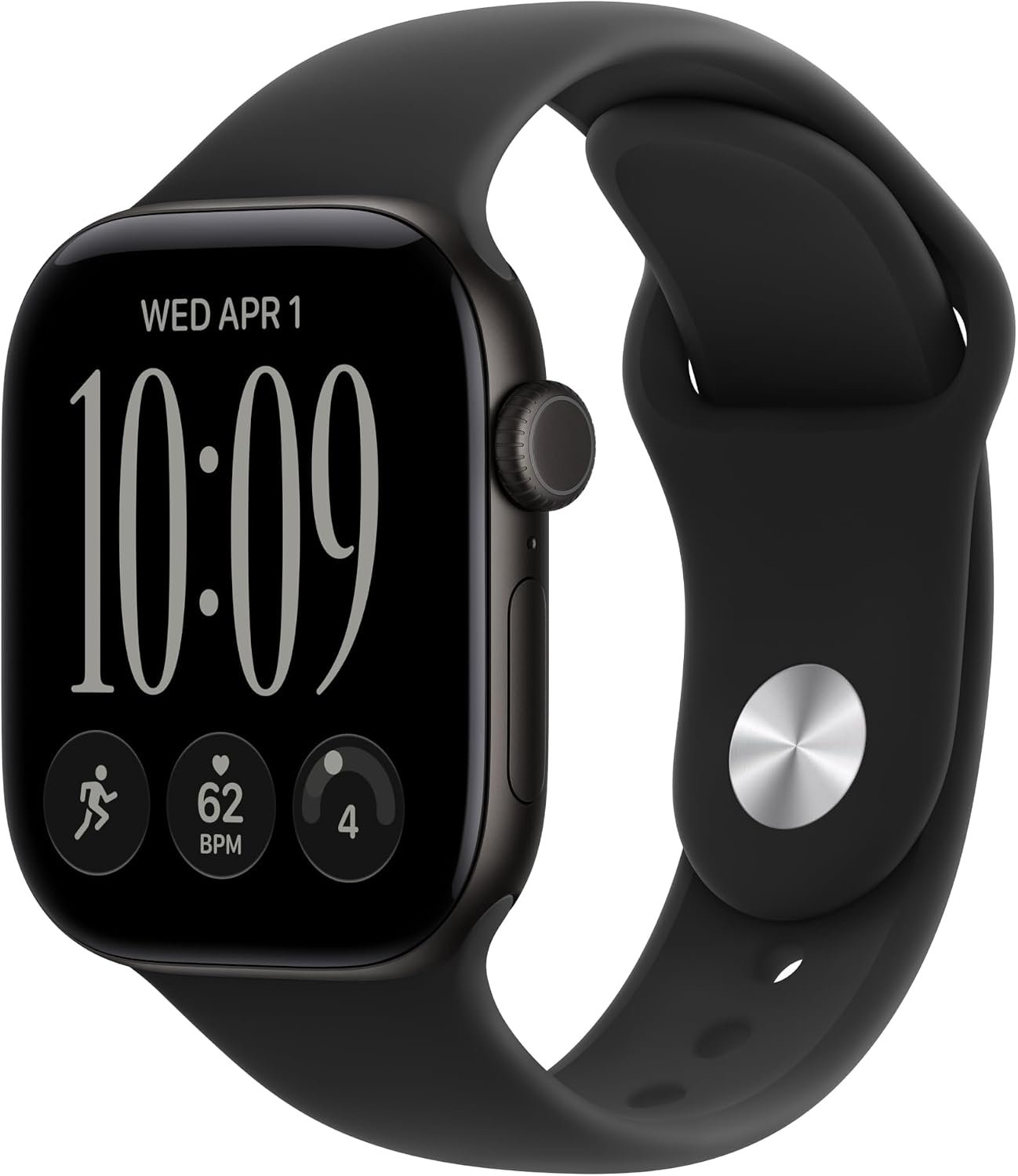
For U.S. buyers who want premium health and fitness tracking in a refined design, Apple Watch Series 10 pairs a 46mm gold titanium case with a Gold Milanese Loop. Track sleep, heart rate, workouts and activity, with ECG...
Buyer Checklist for a Parent
| Question | Yes | No |
|---|---|---|
| Can my parent read the screen comfortably? | Good sign | Try a larger display |
| Can they put the device on and remove it themselves? | Good sign | Consider an easier band or ring |
| Can they charge it without assistance? | Good sign | Choose longer battery life |
| Does it work with their phone? | Proceed | Choose another ecosystem |
| Will they wear it overnight? | Proceed | Consider a different form factor |
| Do they need fall detection? | Prioritize a smartwatch | More options available |
| Do you need family health-data sharing? | Check platform support | Not a deciding factor |
| Do they live alone? | Consider safety features | Sleep tracking may be the priority |
Limitations You Should Know Before Buying
Wearables are useful, but they are not miniature hospitals.
Sleep stages are estimates. Heart-rate readings can vary with fit, movement and other factors. Fall detection cannot detect every fall. Emergency functions can depend on connectivity, phone pairing, cellular service and account configuration.
Google explicitly warns that its emergency features may not be reliable in every circumstance and that Fall Detection cannot detect all falls.
Garmin similarly states that its safety and tracking features are supplemental and should not be relied upon as the primary method of obtaining emergency assistance.
That is why the device should be considered part of a broader safety plan rather than the entire safety plan.
For U.S. buyers seeking a versatile everyday smartwatch, Apple Watch Series 12 GPS + Cellular offers a large 46mm display with health, fitness, sleep and safety features. Track heart rate, activity and workouts while sta...
Garmin fēnix 8 Sapphire 43mm combines a compact, rugged design with advanced fitness, health and outdoor tracking. It offers detailed workout metrics, GPS navigation, sleep and recovery insights, making it a strong choic...
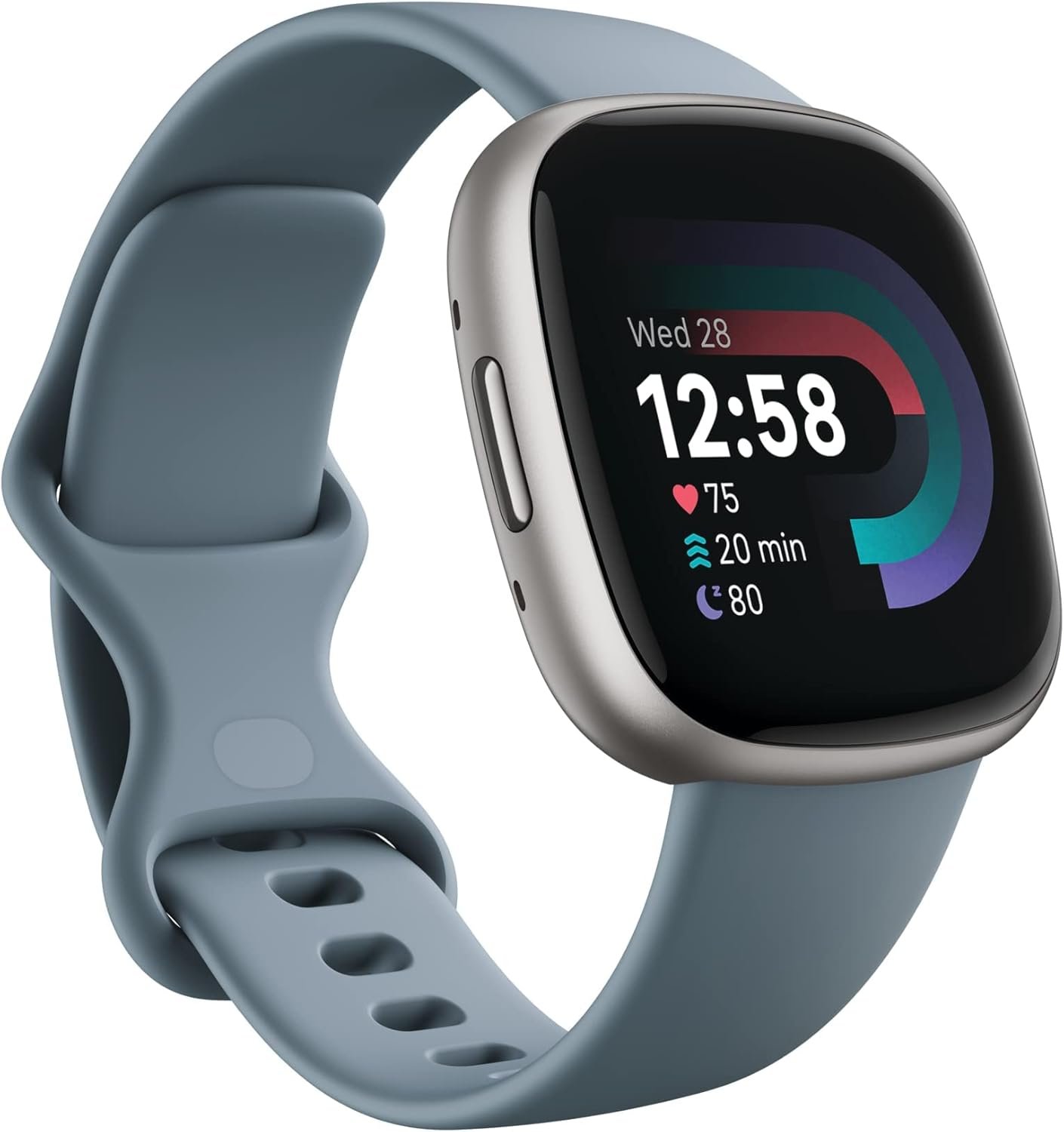
Google Fitbit Versa 4 in Waterfall Blue/Platinum combines everyday smartwatch features with fitness and wellness tracking. It monitors activity, heart rate, workouts and sleep while offering a slim, comfortable design an...
Wearable vs Medical Alert System for a Parent
| Need | Wearable smartwatch | Medical alert system |
|---|---|---|
| Sleep tracking | Strong | Usually not the primary purpose |
| Heart-rate tracking | Available on many models | Usually limited |
| Fall detection | Available on some models | Common feature on many systems |
| Emergency button | Available on some models | Core feature |
| 24/7 monitoring center | Usually no | Available on monitored systems |
| Apps and notifications | Yes | Usually limited |
| Daily health tracking | Strong | Not usually the main purpose |
If the family is primarily worried about falls, emergencies or a parent living alone, compare medical alert systems alongside smartwatches rather than assuming a sleep tracker solves the problem.
Best Choice by Buying Priority
| Your priority | Type to consider | Why |
|---|---|---|
| Sleep plus personal safety | Apple Watch, Galaxy Watch or Pixel Watch | Combines sleep tracking with smartwatch safety features |
| Long battery life | Garmin Venu 4 | Up to 10–12 days depending on size |
| Sleep comfort | Oura Ring 4 | Small, screen-free form factor and multi-day battery |
| Simpler fitness tracker | Fitbit Charge 6 | Focuses on health, activity, heart rate and sleep |
| Apple ecosystem | Apple Watch SE 3 | Strong integration with iPhone and Apple Health |
| Samsung ecosystem | Galaxy Watch8 | Samsung Health and Galaxy integration |
FAQ: Sleep Trackers for Older Adults
What is the easiest sleep tracker for an older adult?
The easiest choice depends on the phone and the person's comfort with technology. For an iPhone user, Apple Watch SE 3 is a practical option because it combines a readable screen, sleep tracking, heart-rate monitoring and safety features. For an Android user, Galaxy Watch8 or Pixel Watch 4 are worth considering. A Fitbit Charge 6 can be simpler if smartwatch features are unnecessary.
Is Apple Watch good for elderly parents?
It can be a strong choice when the parent uses an iPhone and can manage the charging routine. Apple Watch provides sleep tracking, heart-rate monitoring, Fall Detection and Emergency SOS, while Apple Health allows selected health information to be shared with family or caregivers.
Is a smart ring better than a smartwatch for an older adult?
Not automatically. A smart ring can be more comfortable for overnight sleep tracking, but it does not provide the on-device screen, emergency calling and fall-detection capabilities available on many smartwatches. Choose a ring when passive sleep tracking is the priority; choose a smartwatch when communication and safety are also important.
Can a sleep tracker detect if my parent has sleep apnea?
Some newer smartwatches can provide sleep-apnea-related notifications or risk information, but these features should not be treated as a diagnosis. If your parent has symptoms or receives a concerning notification, medical evaluation is more appropriate than relying on the wearable alone.
How long should a sleep tracker battery last for an older adult?
There is no single ideal number, but longer is generally easier for someone who forgets to charge devices. Garmin Venu 4 can last up to 10–12 days depending on size, Oura Ring 4 typically lasts five to eight days, Fitbit Charge 6 up to seven days, while Apple Watch and Pixel Watch generally require more frequent charging.
Can I monitor my parent's sleep from my phone?
Sometimes, but the experience varies significantly by platform. Apple Health allows selected health data and notifications to be shared with another person. Oura supports high-level sharing and reports, while other platforms provide different forms of account, health-record or activity sharing. Do not assume that buying the same brand automatically gives you a live caregiver dashboard.
Should I buy a smartwatch or medical alert device for an elderly parent?
If the main concern is sleep and general health tracking, a smartwatch may be sufficient. If the main concern is getting emergency assistance after a fall or medical event, compare dedicated medical alert systems as well. A medical alert system may provide capabilities that a consumer smartwatch does not, including access to a professional monitoring center.
Do older adults need all the health features on a smartwatch?
No. In fact, too many features can make a device harder to use. Start with the functions your parent actually needs: time, notifications, sleep, heart rate and safety features if appropriate. Extra metrics can remain turned off or ignored.
The Bottom Line
When you buy a sleep tracker for an older adult, you are not really buying a sleep tracker.
You are buying something your parent needs to live with every day.
That means the best choice is usually the device that fits their phone, their eyesight, their dexterity, their charging habits and their comfort level with technology.
For an iPhone-using parent, Apple Watch SE 3 is a practical combination of sleep tracking, heart-rate monitoring, accessibility and safety features. For a Samsung user, Galaxy Watch8 brings similar advantages within the Samsung ecosystem. Pixel Watch 4 is a natural Android alternative, while Garmin Venu 4 makes a strong case when long battery life is the priority.
If sleep comfort is the main concern and safety features are not required, Oura Ring 4 is worth considering. If the parent wants something simpler than a full smartwatch, Fitbit Charge 6 is another option.
And if the real reason you are shopping is concern about falls, emergencies or a parent living alone, step back and ask whether a smartwatch is actually the right tool. In some cases, a dedicated medical alert system may better match the family's needs.
The most useful wearable is not the one with the longest specification sheet.
It is the one your parent will actually wear tonight, tomorrow night and six months from now.
Medical and safety note: Consumer wearables provide health and wellness information and should not replace professional medical evaluation or emergency-response services. Fall detection and emergency features can fail or be unavailable because of device settings, connectivity, fit, battery status or other conditions.
CoreAdorn is reader-supported. When you buy through links on our site, we may earn an affiliate commission.
0 Comments
Be the first to comment.
Leave a comment
Please use kind words and keep your comment on topic. Comments are reviewed by the CoreAdorn team before they appear.